Siri AI is official for iOS 27, iPadOS 27, macOS 27, watchOS 27, and visionOS 27
Siri AI is official for iOS 27, iPadOS 27, macOS 27, watchOS 27, and visionOS 27
Posted on June 8, 2026, 8 p.m.
Well, the rumors were true once again. Today at its Worldwide Developers Conference, Apple unveiled what it's calling the "next generation of Apple Intelligence", complete with the very long-awaited revamped Siri, which is called Siri AI.
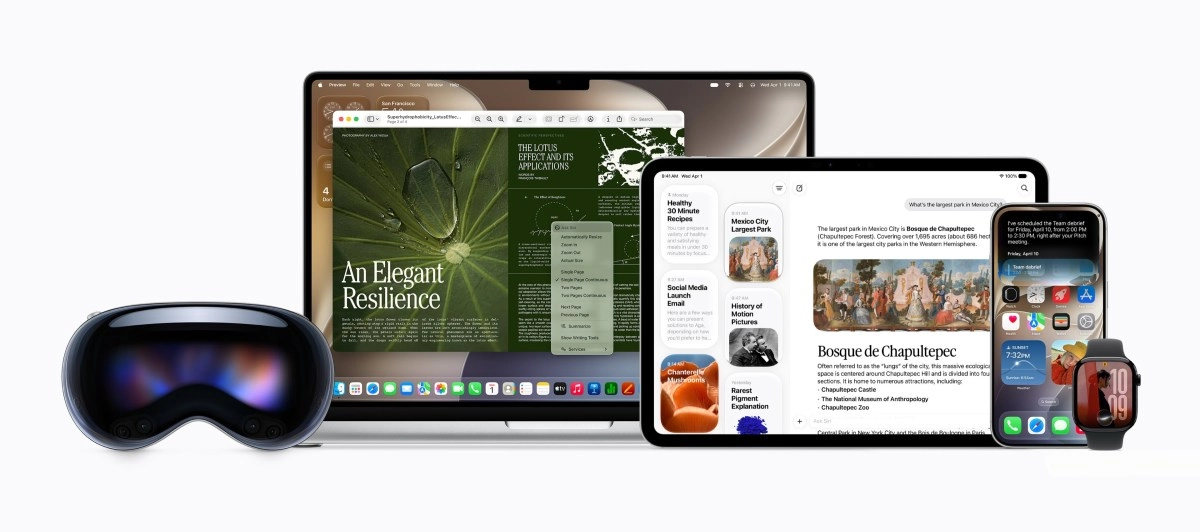
Apple devices with Siri AI on iOS 27.
Siri AI is based on Google's Gemini models, is much more conversational, features on-device processing, and also uses Apple's Private Cloud Compute when it needs to use servers, which ensures that your personal data isn't stored nor made accessible to Apple or anyone else. There's a new Siri app which remembers your past chats, and in iOS the new Siri is also available in the Dynamic Island, whereas on iPadOS 27 and macOS 27 it will be additionally integrated into Spotlight. Siri AI will also be available in watchOS and visionOS.
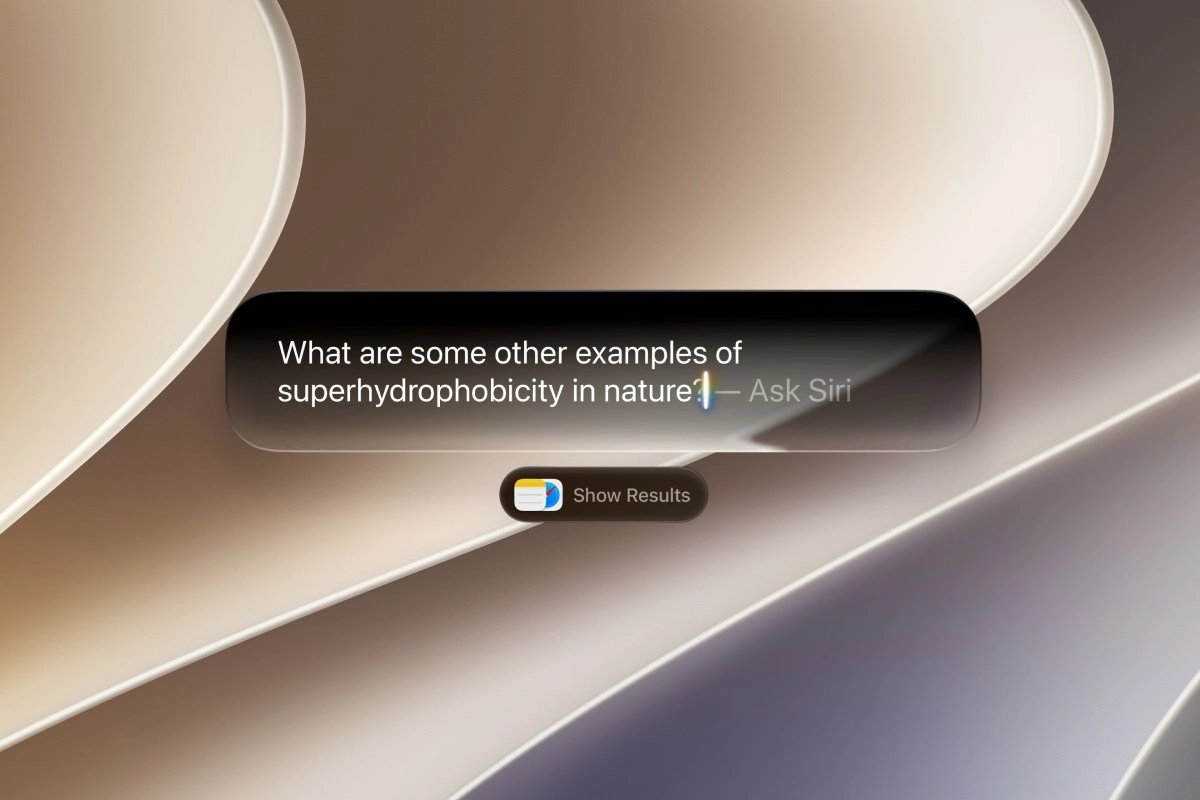
Siri asks about superhydrophobicity in nature.
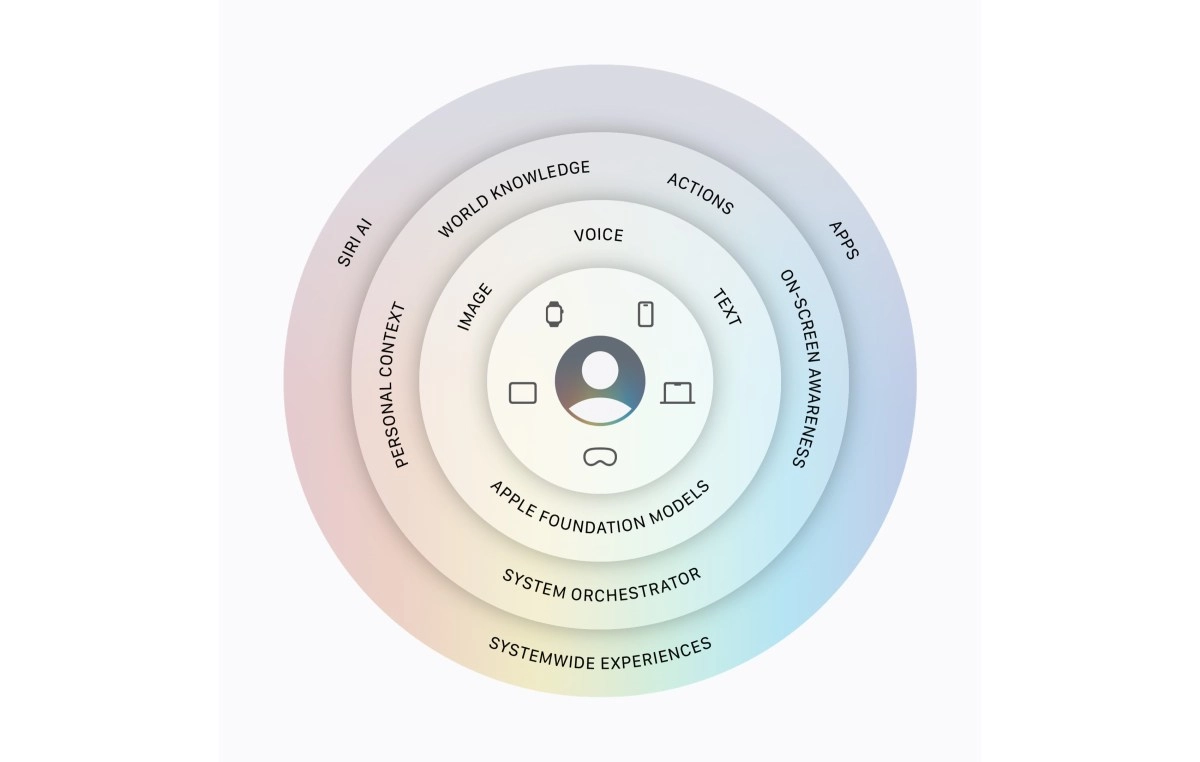
It can draw on your personal context, including messages, emails, photos, and more. This will of course work with Apple's own apps, but the company promises that personal context understanding will extend to third-party apps when developers integrate with Spotlight.
Siri AI can answer questions about what's on your screen, or go out to the web to get up to date information using "broad world knowledge". All of your conversations with Siri AI, regardless of which Apple device you used, are synced via iCloud across all your Apple products.
Tech article image
On iOS, there will be a Siri mode in the Camera app, which lets you ask it about what you see in front of you. This also includes the ability to split a bill with friends using Apple Cash, and even get "nutritional insights about a plate of food".
Visual Intelligence with Siri is also available on iPadOS and macOS for the first time, letting you search visually, ask questions, and take actions on your screen immediately. On iPadOS, this is integrated into the screenshot experience, and on macOS you can tap into it with a dedicated keyboard shortcut, selecting something on your screen and typing directly to Siri to get an answer about it.
Tech article image
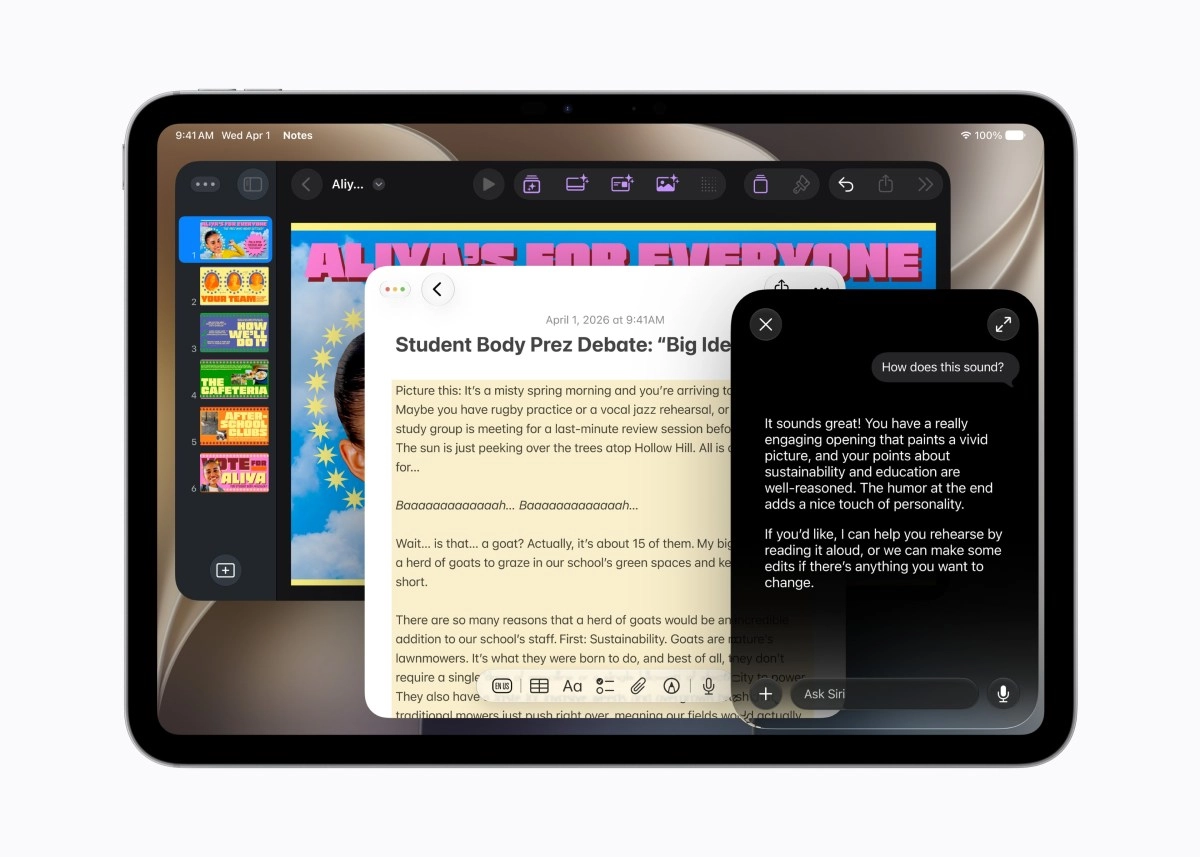
Siri AI has integrated Writing Tools that are available anywhere you type. You can describe what you need and Siri AI will generate a draft, or it can refine and edit what you've written based on your prompts. When you're writing in Mail and Messages, Siri AI will reflect how you usually communicate with each recipient, including the punctuation and tone you typically employ. Siri AI also automatically proofreads for you as you type, across the system, including within "most" third-party apps.
Siri AI will be able to edit and generate images, but this feature will have daily usage limits, with increased access provided with iCloud+ plans. Apple says Siri Ai will be available "later this year" as a beta for users with a supported device set to English, and support for more languages will come soon after.
Tech article image
Initially, in the EU Siri AI will only be available on macOS, watchOS, and visionOS, if your language is supported. It will not be available in iOS and iPadOS in the EU, due to the bloc's Digital Markets Act and the fact that "over the past several months, EU regulators did not accept any of Apple's proposed solutions to bring Siri AI to the EU while safely supporting other virtual assistants", the company says.
If you're wondering why, Apple says that "under EU regulators’ extreme interpretation of the DMA, Apple would have to give any virtual assistant direct access to users’ private data — and the ability to directly control other installed applications — as soon as Siri AI is made available in the EU, without the essential protections necessary to keep users and their data safe".
Source


0 Responses Write a Response