Google Password Manager on Android appears to be getting passkey import and export support
Google Password Manager on Android appears to be getting passkey import and export support
Posted on May 17, 2026, 5 p.m.
Revolutionizing Android Security: Google Password Manager Poised for Passkey Portability
The era of remembering complex, easily forgotten passwords is nearing its end, thanks to the advent of passkeys. This innovative authentication technology offers a superior alternative, built upon robust, established cryptographic principles. Users benefit from enhanced security combined with unparalleled ease of use. Instead of a traditional password, the passkey paradigm involves generating a unique, secure private key stored locally on your device and a corresponding public key distributed to the websites, services, or applications you wish to access. Logging in becomes effortless: simply authenticate on your device using a secure biometric method, such as a fingerprint or Face ID, to confirm ownership of your public key. While a simplification, this system offers a dramatically more secure and convenient alternative to traditional passwords, provided modern cryptography standards remain sound.
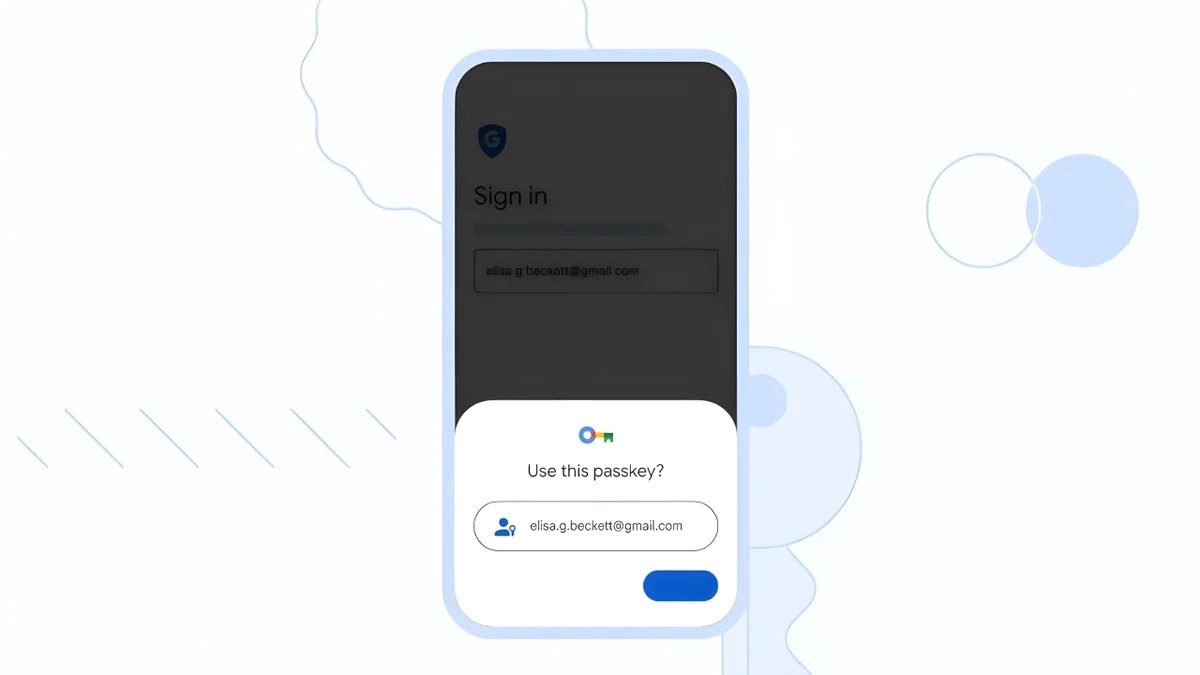
Google Password Manager Android passkey use prompt.
However, a critical challenge arises: what happens if your device, storing that vital private key, is lost, broken, or simply upgraded? A secure and convenient mechanism for transferring passkeys between devices is essential, eliminating the need to re-enroll with every service. This solution exists in the form of the Credential Exchange Protocol (CXP), an evolving industry standard championed by the FIDO Alliance.
Many users already benefit from CXP's capabilities. If you're on an iOS or macOS device, or utilize popular third-party password managers like Bitwarden or 1Password, you likely have access to seamless passkey migration. Despite being a prominent backer of CXP, Google has notably lagged in officially integrating this protocol into Google Password Manager and, by extension, the core Android operating system.
Google Password Manager's Breakthrough in Passkey Migration
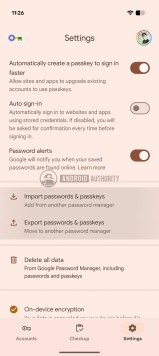
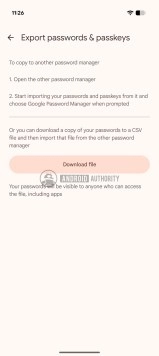
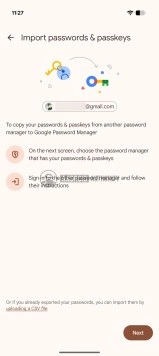
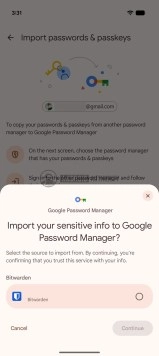
Google Password Manager passkey import/export settings screen.Google Password Manager export screen with download button.Google Password Manager import screen shows passwords and passkeys.Android Google Password Manager imports passkeys from Bitwarden.
Recent discoveries by our colleagues at Android Authority indicate a significant shift. They successfully activated a currently hidden interface within Google Password Manager, revealing options for both importing and exporting passkeys. This breakthrough is particularly crucial for the Android ecosystem because CXP transfers on Android devices are designed to leverage Google Play Services and the Google Password Manager to facilitate the secure movement of keys between different providers. This discovery definitively proves that the underlying infrastructure and required groundwork for widespread passkey portability are already in place. It suggests that users can soon expect to see robust passkey migration options not only within Google Password Manager but also across other Android-compatible password managers that support passkeys, such as Samsung Pass, ensuring a more cohesive and user-friendly experience.
If you're still navigating the complexities of traditional password management, this development signals an opportune moment to begin exploring and migrating to passkeys wherever they are supported, stepping into a more secure and convenient digital future.
Source

0 Responses Write a Response