
Opera for Android gets new AI upgrades
- Posted on Dec. 4, 2025, 3:46 p.m.
Opera for Android Supercharges Browsing with AI Enhancements
Opera is leveling up its Android browser, bringing powerful AI functionalities previously exclusive to Opera One desktop directly to your mobile device. Get ready for a smarter, more intuitive browsing experience with these cutting-edge AI upgrades.
The biggest enhancement is the revamped "Ask AI" feature, now accessible with a single tap. A new, dedicated search bar appears when you select "Ask AI" from the main search bar. This allows for seamless transitions between traditional web searches and intelligent AI-powered queries.
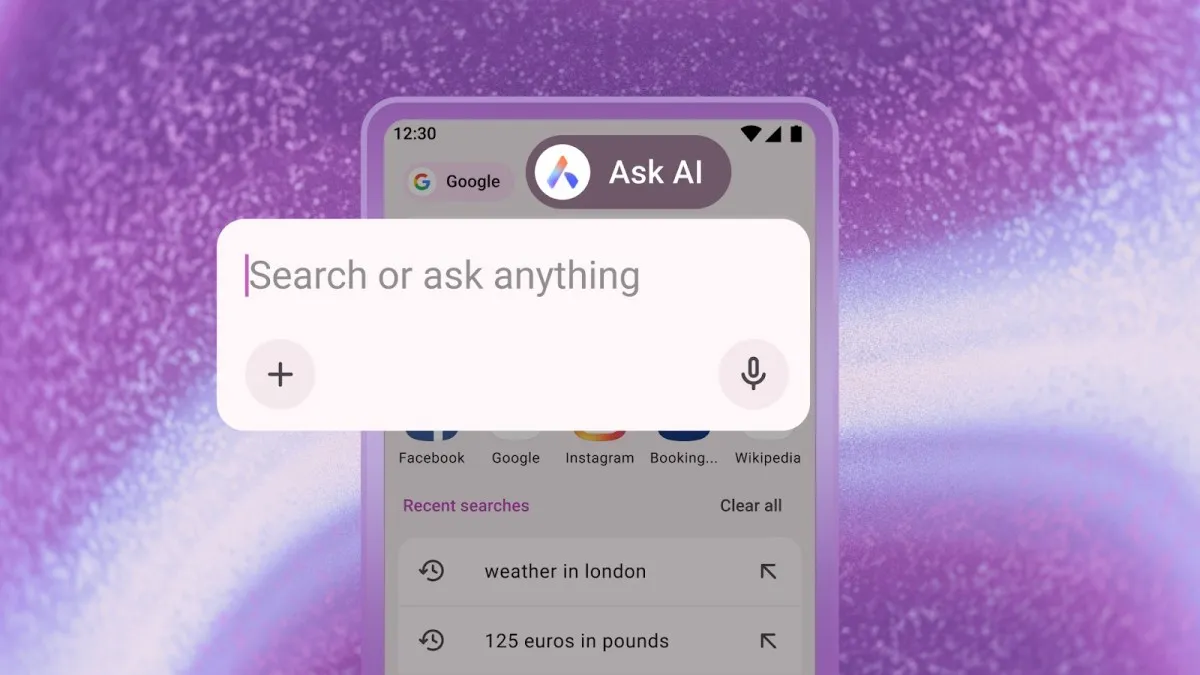
Effortless File Interaction with AI
Opera for Android now lets you directly upload files into the "Ask AI" interface. Need a PDF translated, an image explained, or a document summarized? Simply tap the "+" icon within the Ask AI search bar, select your desired file (including PDFs and images), or snap a photo using your camera, and let the AI do its magic.
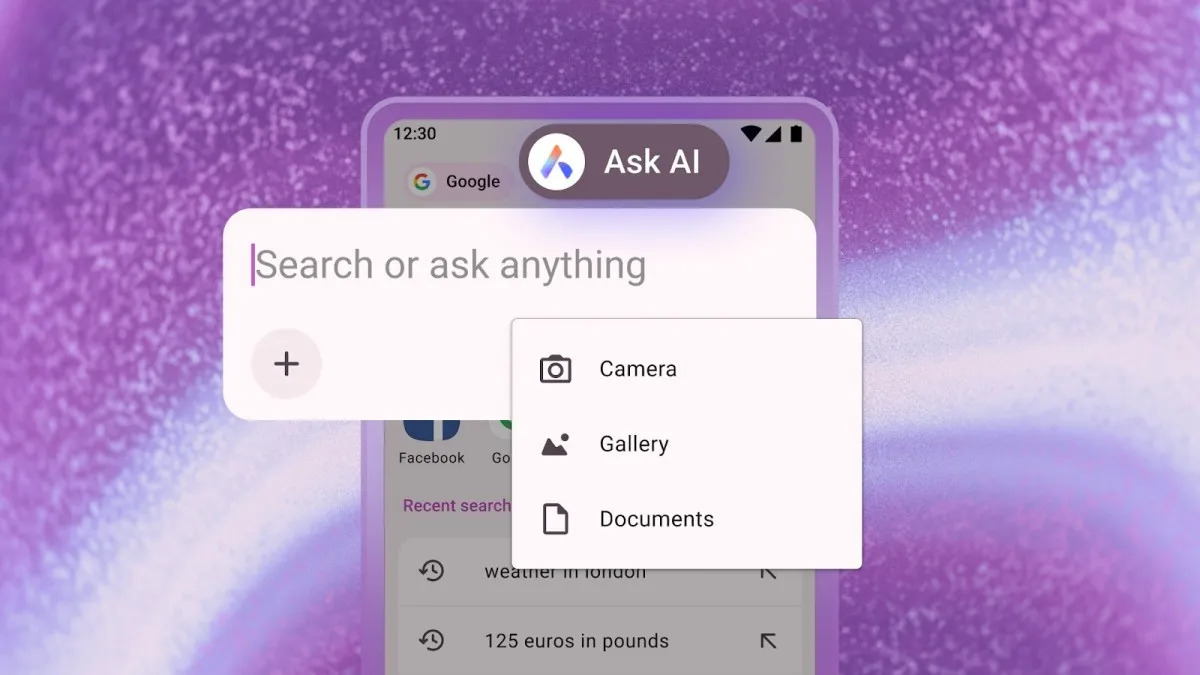
Context-Aware AI: Harness the Power of Your Current Webpage
Imagine being able to instantly summarize, translate, or get insights from any webpage you're currently viewing. Opera now makes this a reality. By tapping the three dots in the top-right corner and selecting "Ask AI," the content of your current webpage becomes the context for your AI prompt. No more copy-pasting! The webpage is automatically attached to the chat in the search bar.
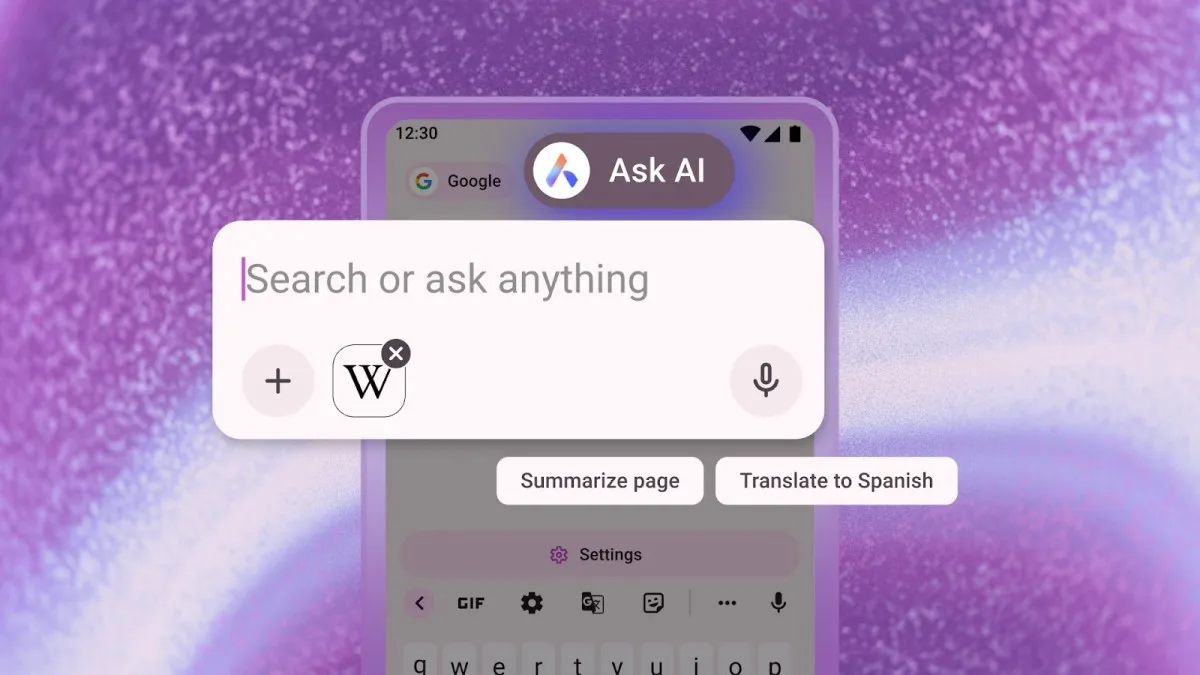
This integration unlocks a new level of interactive browsing. Pose follow-up questions directly within the search bar, leveraging the AI's understanding of the webpage's content.
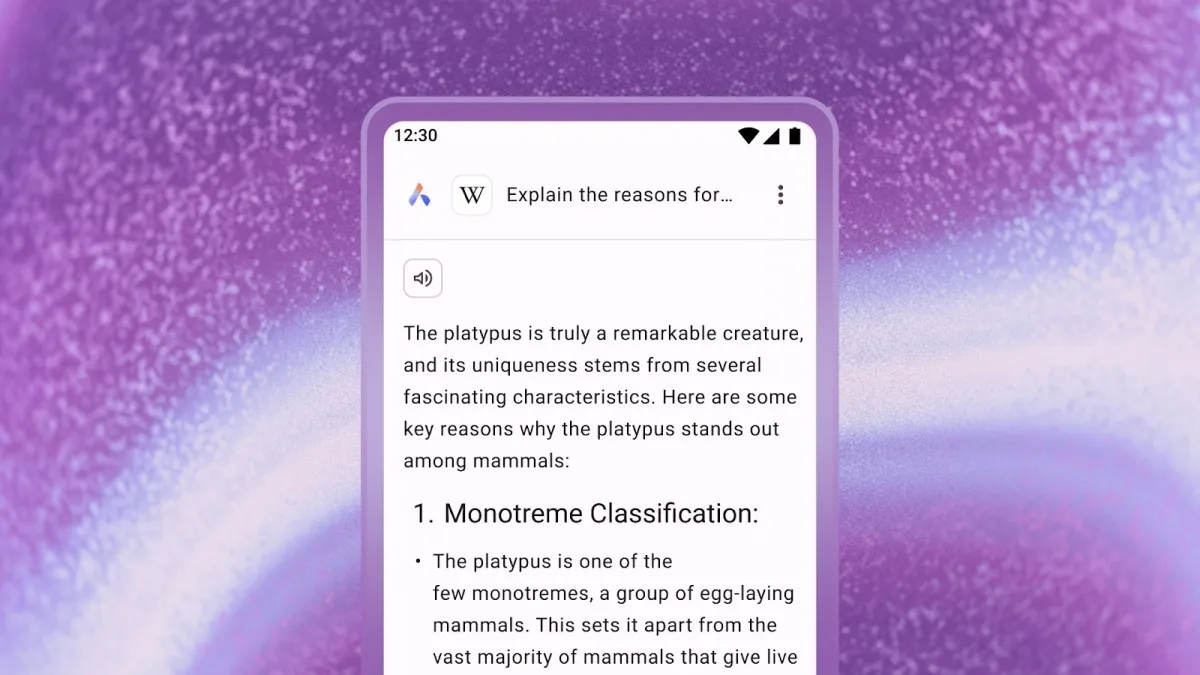
Privacy-Focused AI: Your Data Remains Secure
Opera emphasizes its commitment to user privacy. The browser incorporates built-in privacy safeguards, ensuring that the AI only analyzes the content of the currently active tab and does not access any other browsing history or information. Opera affirms that page context data is only transmitted to the AI Engine when required for a user-initiated task. Importantly, browsing activity and history are not shared with the AI Engine.
Key Features at a Glance:
- Ask AI Upgrade: Dedicated access point for quick AI queries.
- File Attachment: Translate, summarize, and explain PDFs and images with ease.
- Contextual AI: Utilize the content of your current webpage for AI prompts.
- Enhanced Privacy: Built-in guardrails to protect your browsing data.
0 Responses Write a Response